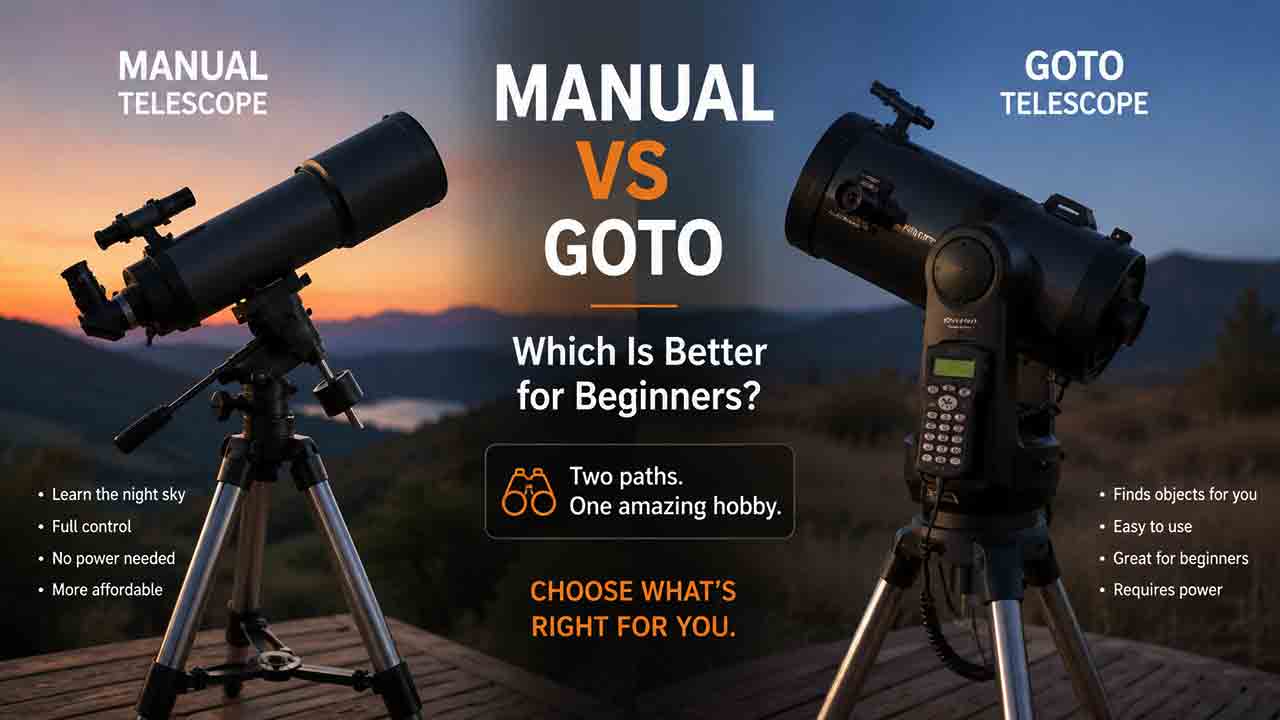
Manual vs GoTo Telescope: Which Is Better for Beginners?

Manual vs GoTo Telescope: Which Is Better for Beginners?
A manual telescope is usually better for beginners who value simplicity, lower cost, portability, and learning the sky. A GoTo telescope is usually better for beginners who want faster object locating and automatic tracking and do not mind alignment, power, software, and added expense. Neither system improves the telescope’s optics or makes faint objects visible through light pollution.
Key Takeaways
- Choose manual for simplicity and optical value. More of the budget can usually go toward aperture, mount stability, and useful accessories rather than motors and control electronics.
- Choose GoTo for locating and tracking convenience. A successfully aligned GoTo mount can find cataloged targets and keep them centered, which is helpful for families, outreach, high-power viewing, and short observing windows.
- GoTo still requires beginner skills. The user must set up the mount, align the finder, enter or confirm time and location, center alignment stars, manage power, and recognize when the system is wrong.
- Automation cannot overcome poor observing conditions. A GoTo telescope can point toward a galaxy that remains invisible because of light pollution, haze, Moonlight, small aperture, or unrealistic expectations.
- Tracking does not automatically make a system suitable for deep-sky astrophotography. Alt-azimuth GoTo mounts can track visually while still producing field rotation in longer exposures.
This guide compares manual and GoTo telescopes by setup, target finding, tracking, cost, portability, reliability, learning curve, and realistic beginner use. It also includes an original decision framework, a break-even time calculation, practical scenarios, buying checklists, and troubleshooting steps.
Editorial note: This guide is based on published specifications, authoritative documentation, and practical selection criteria rather than hands-on product testing. Recommendations describe system types, not individual products.
Manual vs GoTo Telescope: What Is the Quick Verdict?
A manual telescope is the safer default when a beginner wants uncomplicated visual observing and the strongest optical setup available within a limited budget. A GoTo telescope is the stronger choice when finding and following objects is the main barrier to regular use.
| Beginner priority | Better starting choice | Why | Main trade-off |
|---|---|---|---|
| Lowest setup complexity | Manual | No electronic sky alignment or app connection | Objects must be found and followed manually |
| Most aperture for a limited budget | Manual | Less of the package cost goes to motors and controllers | Navigation takes practice |
| Learn constellations and star-hopping | Manual | Encourages active sky navigation | Fewer guide stars may be visible under bright urban skies |
| Find many objects during short sessions | GoTo | Automated slewing reduces repeated search time after alignment | Initial alignment takes time and can fail |
| Keep planets centered for a group | GoTo | Motorized tracking reduces frequent repositioning | Requires reliable power and correct setup |
| Screen-free observing | Manual | Can work with a paper chart and red flashlight | No automatic target database |
| Apartment or travel use | Depends on complete system | Compact manual and compact GoTo systems both exist | Tripod, battery, controller, and cables affect portability |
| Long-exposure deep-sky imaging | Neither label alone decides | Mount type, tracking accuracy, polar alignment, and payload matter more | Many beginner alt-az GoTo systems are visual-first |
The best choice depends less on whether electronics are “advanced” and more on which kind of effort the beginner prefers: learning to navigate manually or learning to align and manage an electronic system.
What Is a Manual Telescope?
A manual telescope is aimed and followed by hand rather than commanded to slew automatically to a selected object. The telescope may use an alt-azimuth mount, a Dobsonian base, or an equatorial mount.
Manual does not always mean completely unpowered. A manual equatorial mount can have a motor drive that tracks the sky without having full GoTo object locating. This distinction matters because tracking, object finding, and manual movement are separate capabilities.
How Does a Manual Telescope Find Objects?
A beginner normally uses one or more of these methods:
- Direct aiming: Pointing at an obvious object such as the Moon, Jupiter, or a bright star.
- Star-hopping: Moving from a recognizable star pattern toward a fainter target using a chart or app.
- Celestial coordinates: Using right ascension and declination with an equatorial mount or setting circles.
- Push-to assistance: Following directions from encoders or a phone while physically moving the telescope by hand.
A correctly aligned finder or red-dot sight is essential. Celestron’s official finderscope guidance recommends aligning the finder during daylight on a distant stationary object, beginning with the lowest-power eyepiece. This step applies to manual and GoTo telescopes because both systems still need accurate initial pointing and centering.
What Are the Main Advantages of a Manual Telescope?
- Fewer electronics, cables, menus, and connection points
- No battery required for basic operation
- Fast setup for simple alt-azimuth and Dobsonian designs
- Quiet operation
- Easy to move directly to a visible object
- More budget can often be directed toward aperture and mount stability
- Encourages familiarity with constellations and sky movement
- Remains usable if an app, controller, or firmware becomes unsupported
What Are the Main Limitations of a Manual Telescope?
- Faint targets can take time to locate
- Manual tracking becomes more demanding at high magnification
- A narrow field of view makes object finding harder
- Star-hopping can be difficult where light pollution hides guide stars
- Several people taking turns at the eyepiece may require frequent recentering
- A beginner may spend more time searching than observing during early sessions
What Is a GoTo Telescope?
A GoTo telescope uses motors and control software to slew to selected celestial coordinates after the mount establishes its orientation to the sky. Many GoTo systems also track the selected object after locating it.
Celestron’s official definition distinguishes a basic clock drive from GoTo: a clock drive follows the sky, while a GoTo mount combines motorized movement with firmware that can align, locate, and track cataloged objects. The exact workflow varies by manufacturer and mount.
How Does GoTo Alignment Work?
A typical beginner GoTo workflow includes:
- Assemble and level or position the mount as required by the manual.
- Attach and balance the optical tube if the design requires balancing.
- Connect a suitable power source.
- Confirm date, time, time zone, daylight-saving status, and location—or allow supported GPS or app functions to supply them.
- Aim at one or more bright alignment objects.
- Center each object first in the finder and then in the eyepiece.
- Confirm a successful alignment before selecting targets.
For example, Celestron’s SkyAlign process uses three bright sky objects for compatible alt-azimuth systems. Sky-Watcher provides current manuals for SynScan GoTo mounts and separate SynScan apps for novice alt-azimuth users and more advanced equatorial users. These examples show why a buyer should read the manual for the exact mount rather than assuming every GoTo telescope uses the same alignment method.
What Are the Main Advantages of a GoTo Telescope?
- Can locate many cataloged targets after successful alignment
- Motorized tracking keeps objects centered longer
- Helpful when several people share the eyepiece
- Useful at high magnification, where objects cross the field quickly
- Can make short observing sessions more productive after setup
- May help urban users point toward targets when few guide stars are visible
- Some systems provide tours, object information, app control, or computer integration
What Are the Main Limitations of a GoTo Telescope?
- Requires power, and weak or unstable power can disrupt a session
- Initial alignment adds steps before observing
- Incorrect time, location, leveling, balance, finder alignment, or star centering can reduce pointing accuracy
- Motors, gears, controllers, Wi-Fi, apps, and firmware create additional failure points
- Electronics add weight, cost, cables, and storage requirements
- Motor noise may matter in quiet locations
- A large object database can create unrealistic expectations about what the telescope can actually reveal
- Software compatibility and long-term support can change
Does GoTo Make a Telescope Optically Better?
No. GoTo changes how the mount finds and follows targets; it does not increase aperture, improve optical quality, darken the sky, or sharpen poor atmospheric conditions.
Two telescopes with similar optics can show similar detail when aimed correctly, even if one is manual and the other is computerized. A GoTo system may help the observer spend more time looking at a target, but the visibility of that target still depends on aperture, optical condition, magnification, sky brightness, transparency, atmospheric steadiness, and observer experience.
Why Does the Database Size Mislead Beginners?
A GoTo controller may list thousands of objects, but a catalog entry is not a promise that the object will be visible through the supplied telescope from the user’s location.
A small telescope under urban light pollution may point accurately toward a faint galaxy without showing an obvious image. The system has completed the navigation task, but the optical and environmental limits remain. Beginners should judge a GoTo package by mount quality, alignment workflow, power reliability, and realistic targets—not by the largest database number on the box.
Which Is Easier to Set Up: Manual or GoTo?
A simple manual alt-azimuth telescope or Dobsonian is generally easier to set up because it can begin observing after assembly, finder alignment, and focusing. A GoTo telescope usually requires those same physical steps plus power and sky alignment.
However, “easier” changes after setup. Once a GoTo alignment succeeds, moving among many targets can become easier than repeatedly star-hopping with a manual telescope.
| Setup task | Manual alt-az/Dobsonian | GoTo alt-az | GoTo equatorial |
|---|---|---|---|
| Assemble tripod or base | Usually | Usually | Usually |
| Attach optical tube | Model-dependent | Model-dependent | Usually |
| Balance axes | Sometimes | Sometimes | Commonly required |
| Align finder | Required | Required | Required |
| Provide electrical power | No for basic use | Yes | Yes |
| Enter or confirm time/location | No | Often | Often |
| Level or establish home position | Simple or unnecessary | System-dependent | System-dependent |
| Polar alignment | No | No in normal alt-az use | Required for accurate equatorial tracking |
| Center alignment stars | No | Usually | Usually |
| Begin basic Moon viewing | Very fast | May require alignment for tracking/GoTo | More setup-intensive |
The table describes common patterns, not universal rules. Some modern systems use GPS, plate solving, phone sensors, or cameras to automate parts of alignment, while other systems depend heavily on manual centering.
Which Is Easier for Finding Objects?
GoTo is usually easier for repeated object locating after a good alignment. Manual is often faster for bright, obvious objects that can be pointed to immediately.
For the Moon, a bright planet, or a prominent star cluster, a manual telescope may be ready before a GoTo telescope finishes alignment. For a list of several faint targets spread across the sky, GoTo may save substantial search time.
An Illustrative Break-Even Calculation
The following example is a planning tool, not measured performance. Actual times vary with the observer, mount, target, sky, and alignment method.
Let:
A= GoTo alignment timeM= average manual search time per targetG= average GoTo selection and slew time per targetN= number of targets in the session
GoTo begins to save navigation time when:
A + (N × G) < N × M
Rearranged:
N > A ÷ (M - G)
Assume an eight-minute alignment, four minutes to find each target manually, and one minute to select, slew, and verify each GoTo target:
N > 8 ÷ (4 - 1)
N > 2.67
In this hypothetical session, GoTo begins to save time around the third target. If the observer only wants to look at the Moon for 20 minutes, manual operation may still be faster. If the observer plans to visit ten objects, successful GoTo alignment may provide more observing time.
Which Is Better for Learning the Night Sky?
A manual telescope more directly encourages sky-navigation skills, but a GoTo telescope does not prevent learning. The difference depends on how the observer uses the system.
A manual observer must recognize patterns, use charts, estimate angular distances, and understand how objects move. A GoTo observer can still learn by identifying alignment stars, checking the route on a chart, comparing coordinates, and using the system’s identification tools rather than treating the controller as a black box.
NASA’s Night Sky Network beginner guidance recommends learning through local astronomy clubs because beginners can view different equipment, borrow telescopes, and receive practical help. This is especially useful before deciding whether manual navigation or computerized alignment feels more enjoyable.
Can Light Pollution Change the Answer?
Yes. Light pollution can make manual star-hopping harder because fewer guide stars are visible, so GoTo can be useful for pointing toward targets in an urban sky.
GoTo does not restore contrast lost to skyglow. Bright targets such as the Moon, planets, double stars, and some clusters remain more practical under urban conditions than faint galaxies and nebulae. A beginner in a bright city should not buy GoTo solely to “beat” light pollution.
Which Is Better for Tracking Planets and High-Power Views?
GoTo with working motorized tracking is usually more convenient for planets, double stars, and other high-magnification targets. At high power, the field of view is smaller and Earth’s rotation moves the target across it more quickly.
Manual tracking remains practical with a smooth Dobsonian or alt-azimuth mount, but it requires repeated nudging. Some observers enjoy this direct control; others find it disruptive, especially when focusing, sketching, changing eyepieces, or sharing the view.
Which Is Better for Families and Public Viewing?
GoTo tracking often has an advantage when multiple people take turns because the target remains near the center. The operator can spend less time reacquiring the object after each viewer.
A manual telescope can still be an excellent family instrument when the mount moves smoothly and the targets are bright. For children, simplicity may be more valuable than automation if menus, cables, alignment, and connection problems delay the first view.
Is GoTo Better for Astrophotography?
Not automatically. GoTo describes computerized pointing, while successful long-exposure astrophotography depends on the mount’s tracking geometry, accuracy, stability, payload, polar alignment, guiding capability, and imaging workflow.
An alt-azimuth GoTo mount can keep an object centered for visual use while the field rotates during longer exposures. Celestron’s official 2026 wedge guidance explains that alt-az tracking does not compensate for Earth’s rotational axis, which produces field rotation in long-exposure images. A wedge or equatorial mount changes the tracking geometry, but that does not guarantee imaging performance.
| Imaging goal | Manual telescope | Alt-az GoTo | Equatorial GoTo |
|---|---|---|---|
| Smartphone Moon snapshot | Often suitable | Often suitable | Often suitable |
| Short planetary video | Possible with manual tracking skill | Convenient tracking | Convenient tracking |
| Electronically assisted viewing | Limited without added system | Often suitable if supported | Suitable if supported |
| Long-exposure deep-sky imaging | Usually unsuitable without motorized equatorial tracking | Field rotation limits longer exposures | Most appropriate category, but mount quality remains critical |
A beginner should choose a GoTo equatorial system only when astrophotography is a deliberate goal and the buyer is prepared to learn polar alignment, balance, camera control, calibration, and processing. For visual astronomy, an equatorial imaging mount may add cost and complexity without improving the eyepiece view.
How Do Cost and Aperture Compare?
At the same total budget, a manual package can often allocate more value to the optical tube and mechanical stability because it does not need the same motors, control electronics, and software ecosystem. This is a general purchasing pattern, not a guarantee about every product.
A Hypothetical Budget Allocation Example
Suppose two buyers each have a total equipment budget of 800 currency units. The numbers below illustrate trade-offs and are not current market prices.
| Budget component | Manual visual system | GoTo visual system |
|---|---|---|
| Optical tube and basic optics | 420 | 300 |
| Mount or base | 230 | 260 |
| Motors, controller, connectivity | 0 | 140 |
| Eyepieces and finder | 100 | 70 |
| Power equipment | 0 | 30 |
| Storage or transport | 50 | 0 |
| Illustrative total | 800 | 800 |
The example does not prove that manual telescopes always have larger apertures. It shows why buyers should compare the complete system rather than assuming similarly priced packages devote the same proportion of cost to optics, mechanics, and electronics.
Which Is More Portable and Reliable?
A simple manual telescope is generally easier to keep operational because it has fewer dependencies. A GoTo telescope adds a power source, hand controller or phone, cables or Wi-Fi, motors, and firmware.
Portability must be judged by the complete setup. A compact GoTo optical tube can still require a substantial tripod, battery, accessory tray, controller, and case. A large manual Dobsonian may require more physical space but no electronic support equipment.
What Should You Check About GoTo Power and Software?
Before buying, verify:
- Required voltage, connector type, and recommended power source
- Expected behavior when power is interrupted
- Whether batteries are internal, replaceable, or external
- Whether the telescope can be moved manually without damaging gears or losing alignment
- Whether the system works with a hand controller, phone, or both
- Supported Android, iOS, Windows, or macOS versions
- Whether an account, internet connection, or cloud service is required
- Availability of firmware updates and recovery procedures
- Whether replacement controllers, cables, and motor boards are available
- Whether the telescope remains usable if app support ends
Sky-Watcher’s current support pages separate mount manuals, hand-controller and app manuals, apps, and motor-controller firmware. That structure illustrates an important buying reality: a computerized telescope is an ecosystem, not only an optical tube.
Use the TRACK Framework to Choose
The TRACK framework is an original decision tool for comparing manual and GoTo systems before looking at individual models.
T — Targets
List the objects you realistically expect to observe. Bright solar-system targets require less navigation help than a long list of faint clusters, nebulae, and galaxies.
R — Routine
Estimate your normal observing session, not an ideal vacation session. A 20-minute balcony session favors fast manual setup; a two-hour target tour may justify GoTo alignment.
A — Automation Tolerance
Decide whether you prefer physical navigation or electronic setup. GoTo replaces some searching with alignment, power management, menus, apps, and troubleshooting.
C — Carrying and Cost
Compare the complete weight and complete price. Include the tripod, base, battery, controller, eyepieces, cases, counterweights, cables, and storage footprint.
K — Knowledge Goal
Choose whether learning constellations and star-hopping is a main purpose or an optional skill. Manual operation supports active navigation, while GoTo can prioritize observing more targets after alignment.
TRACK Scorecard
Give each statement one point in the relevant column.
| Statement | Manual | GoTo |
|---|---|---|
| I want to begin observing with minimal electronic setup. | 1 | 0 |
| I enjoy maps, navigation, and learning constellations. | 1 | 0 |
| My budget should prioritize aperture and stability. | 1 | 0 |
| I often observe one or two bright targets. | 1 | 0 |
| I need the telescope to work without power. | 1 | 0 |
| I want to visit many targets in one session. | 0 | 1 |
| Several people will share the eyepiece. | 0 | 1 |
| I value automatic tracking at high magnification. | 0 | 1 |
| Few guide stars are visible from my observing location. | 0 | 1 |
| I accept alignment, cables, batteries, and software. | 0 | 1 |
A higher score suggests a direction, not a verdict. Optical quality, mount stability, aperture, ergonomics, and storage can outweigh the automation choice.
Which System Fits Common Beginner Scenarios?
Scenario 1: A Beginner With a Small Backyard and Short Sessions
The observer normally has 20 to 30 minutes and mainly wants the Moon, Jupiter, and Saturn. A manual alt-azimuth refractor or tabletop Dobsonian is likely to provide faster access than completing a GoTo alignment for each short session.
The trade-off is repeated manual tracking at higher magnification.
Scenario 2: A Family Sharing Planetary Views
Several people want to take turns, and the operator does not want to recenter Saturn after every viewer. A GoTo telescope with reliable tracking can improve the group experience.
The family should still practice alignment before an important event and keep a dependable power source available.
Scenario 3: An Urban Observer Interested in Star Clusters
The observer can see only a limited number of guide stars and struggles to star-hop. GoTo can make target pointing easier, especially when the alignment stars are visible and correctly centered.
The user should still choose targets appropriate for urban sky brightness. Automatic pointing will not make every cataloged nebula or galaxy visible.
Scenario 4: A Rural Observer Who Enjoys Navigation
The observer has dark skies, recognizes constellations, and enjoys finding objects with charts. A manual Dobsonian can provide a direct, screen-free experience and may offer more aperture within the budget.
The main trade-off is manual tracking and the time required to locate unfamiliar targets.
Scenario 5: A Beginner Planning Deep-Sky Imaging
The observer’s real goal is long-exposure photography rather than casual visual use. The decision should not be framed simply as manual versus GoTo; it should begin with an imaging-capable equatorial mount, suitable payload, tracking accuracy, camera system, and learning commitment.
A basic alt-az GoTo telescope may be convenient visually while remaining a poor match for that goal.
What Should You Check Before Buying a Manual Telescope?
- The mount moves smoothly without sudden sticking or slipping.
- The telescope settles quickly after focusing or touching the tube.
- Slow-motion controls, if included, are easy to reach and use.
- The finder can be aligned and holds alignment.
- The lowest-power eyepiece provides a practical field of view.
- The complete telescope is comfortable to carry and store.
- A tabletop design has a rigid, appropriately sized support available.
- Replacement eyepieces use a commonly supported barrel size.
- The telescope can be aimed comfortably near the horizon and overhead.
- The package does not rely on extreme magnification claims.
What Should You Check Before Buying a GoTo Telescope?
- The exact alignment method is understandable from the official manual.
- The finder, tripod, mount, and optical tube are all included or budgeted.
- The power requirements and connector polarity are documented.
- A suitable battery or power supply is available for the observing location.
- The controller or app supports the devices you intend to use.
- Firmware and manuals remain available from the manufacturer.
- The mount can carry the optical tube and planned accessories.
- The telescope can still be used in a limited way if electronics fail.
- Replacement cables and controllers are obtainable.
- The return policy allows enough time to test alignment and tracking.
- The database includes suitable objects, but database size is not treated as an optical specification.
- The system’s tracking geometry matches any intended imaging use.
What Common Buying Mistakes Should Beginners Avoid?
Assuming GoTo Means No Learning
A GoTo telescope still requires basic sky awareness, finder alignment, centering, focusing, power management, and troubleshooting. Automation can reduce navigation work without eliminating technique.
Assuming Manual Means Outdated
A stable manual Dobsonian remains effective because simple movement, useful aperture, and reliable mechanics directly support visual observing. The absence of motors is a design choice, not a defect.
Comparing Optical Tubes Instead of Complete Systems
A lightweight GoTo mount may be less satisfying than a stable manual base, while a well-designed GoTo system may be easier to use than a poorly balanced manual equatorial mount. Compare the mount and accessories as carefully as the aperture.
Choosing by Database Size
A catalog containing many objects does not guarantee that the telescope, sky, and observer can reveal them. The number is a software feature, not a measure of light gathering.
Forgetting Power Costs and Cold-Weather Performance
Batteries can discharge faster in cold conditions, and unstable voltage can cause erratic motor or controller behavior. Follow the manufacturer’s power specifications and test the system before traveling.
Expecting GoTo to Fix Light Pollution
GoTo can locate coordinates, but it cannot restore lost contrast. Choose brighter targets, use realistic magnification, shield nearby lights, and travel to darker skies when possible.
Buying GoTo Only for Astrophotography
A visual alt-az GoTo mount may track objects but still suffer field rotation in longer exposures. Astrophotography requires a separate mount-level evaluation.
Buying Manual Without Considering High-Power Tracking
A manual mount that is rough, unbalanced, or unstable can make planetary viewing frustrating. Smooth movement matters more than the word “manual.”
How Can You Troubleshoot a GoTo Telescope That Misses Targets?
| Problem | Likely cause | Practical action |
|---|---|---|
| Alignment fails immediately | Wrong alignment stars, time, location, or starting position | Restart and verify every setup value against the official manual |
| Targets land outside the eyepiece | Finder misalignment or inaccurate star centering | Align the finder in daylight and use a low-power eyepiece during alignment |
| Accuracy is good in one area but poor elsewhere | Alignment stars are too close together or calibration is weak | Repeat alignment with widely separated bright stars where the system allows |
| Mount behaves unpredictably | Weak power, loose connector, cable strain, or slipping clutch | Use the specified power source and inspect all mechanical connections |
| Telescope points below the horizon or into an obstruction | Incorrect location/time or unsuitable target selection | Verify data and use slew limits where supported |
| App disconnects | Wi-Fi interference, phone settings, battery saving, or app compatibility | Follow the manufacturer’s connection instructions and disable disruptive power-saving settings |
| Target is centered but invisible | Object is too faint for the aperture or sky | Try a brighter target and lower magnification; GoTo accuracy may not be the problem |
| Object drifts after a correct slew | Tracking mode, alignment, balance, or mount geometry is wrong | Confirm the correct tracking mode and repeat the required alignment |
| Pointing worsens during the night | Mount movement, tripod shift, cable pull, or alignment-model limitations | Stabilize the setup and use sync or calibration functions only as described by the manufacturer |
Celestron’s official GoTo troubleshooting guidance emphasizes stable setup, correct location and time, accurate finder alignment, careful centering, secure clutches, balance, and widely separated alignment stars. The exact corrective steps remain model-specific.
How Can You Troubleshoot a Manual Telescope That Is Hard to Use?
| Problem | Likely cause | Practical action |
|---|---|---|
| Cannot find targets | Finder is misaligned or starting magnification is too high | Align the finder in daylight and use the longest-focal-length eyepiece |
| Objects move out of view too quickly | Magnification is high or field of view is narrow | Reduce magnification and practice small, smooth corrections |
| Mount sticks and then jumps | Excess friction, poor balance, or overtightened controls | Rebalance and follow the manual’s adjustment procedure |
| Telescope shakes while focusing | Weak tripod, extended legs, loose hardware, or wind | Shorten tripod legs, tighten fittings, or use a more stable support |
| Star-hopping fails in the city | Too few guide stars are visible | Use brighter reference stars, a wider field, digital charts, or consider push-to/GoTo assistance |
| Neck or back position is uncomfortable | Eyepiece height or mount geometry does not fit the observer | Adjust tripod height or use an observing chair before buying more optics |
Is Push-To a Better Middle Ground?
Push-to can be a useful compromise for beginners who want navigation assistance without motorized slewing. Encoders, phone sensors, or plate-solving accessories guide the user while the telescope is moved manually.
Push-to systems can preserve quiet operation and reduce power needs, but they still require setup, calibration, and compatible hardware. Some systems track the telescope’s position accurately after manual movement; others depend on phone alignment or camera-based solving. Buyers should verify whether tracking is included, because push-to guidance alone does not keep an object centered.
Can a GoTo Telescope Be Used Manually?
Sometimes, but the answer is model-specific. Some mounts allow manual movement, some require clutches to be released, some lose alignment when moved by hand, and some use auxiliary encoders to preserve position.
Never force a motorized mount. Read the official manual before pushing the telescope or loosening clutches, because incorrect manual movement can damage gears, disturb balance, or invalidate alignment.
Which Is Better for Beginners: Manual or GoTo?
Choose a manual telescope when your priorities are uncomplicated setup, low dependence on electronics, maximum optical value within the budget, and learning to navigate the sky. A stable manual Dobsonian or alt-azimuth telescope is often the most forgiving visual starting point.
Choose a GoTo telescope when automatic locating and tracking will determine whether the instrument gets used regularly. GoTo is especially practical for observers with limited session time, families sharing the eyepiece, high-power planetary viewing, and urban locations where star-hopping is difficult.
Choose push-to when you want guidance but still prefer to move the telescope manually. Choose an imaging-capable equatorial GoTo mount only when long-exposure astrophotography is a deliberate goal and you understand that GoTo is only one part of the imaging system.
Next Steps by User Type
- Budget-focused visual beginner: Compare stable manual Dobsonians and alt-azimuth refractors by complete weight, aperture, and included eyepieces.
- Convenience-focused beginner: Read the exact GoTo alignment manual and calculate the total cost of power, controller, storage, and accessories.
- Urban observer: Prioritize bright targets and realistic aperture while deciding whether GoTo assistance is worth the added setup.
- Family or outreach user: Give extra weight to tracking, eyepiece accessibility, and reliable power.
- Future astrophotographer: Evaluate equatorial mount capacity and tracking performance before choosing the optical tube.
- Undecided buyer: Attend a NASA Night Sky Network club event or borrow equipment before committing to either system.
Whichever system you choose, compare the complete setup—mount geometry, power needs, storage, observing goals, and the amount of setup you are willing to repeat—rather than choosing by automation alone.
Frequently Asked Questions
Does a GoTo telescope find objects without alignment?
Most GoTo systems need some form of initialization or sky alignment before accurate object locating and tracking. The exact requirement varies: some use manually centered stars, while others add GPS, cameras, plate solving, or phone-assisted alignment. Read the official manual for the specific mount.
Is a manual Dobsonian better than a GoTo telescope for a first purchase?
A manual Dobsonian is often better when aperture, stability, simplicity, and visual value are the priorities. A GoTo telescope may be better when the beginner is more likely to continue observing if targets are found and tracked automatically. The better choice depends on behavior, not prestige.
Can GoTo work under heavy light pollution?
GoTo can point toward objects under light pollution if the system can complete alignment, but it cannot make faint objects brighter or restore lost contrast. Bright planets, double stars, the Moon, and some clusters are more realistic urban targets than faint galaxies.
Will a GoTo telescope track an object all night?
A well-aligned system can track for extended periods, but accuracy depends on mount design, alignment, power, balance, mechanical quality, and target position. Visual tracking and long-exposure imaging accuracy are different standards.
Is GoTo worth the extra cost for children?
GoTo can help children see more targets after an adult completes setup, but menus and alignment can delay the first view. For short family sessions, a simple manual telescope aimed at the Moon may be more engaging. Choose according to who will operate the equipment.
Do beginners need to know star names to use GoTo?
Not always. Some alignment systems allow the user to select bright objects without naming them, while others require recognized stars or app guidance. Even when names are not required, knowing a few bright stars makes alignment and error checking easier.
Sources
Sources accessed August 3, 2026. Product procedures and software support can change; verify the current manual for the exact telescope before purchase or operation.
- NASA Science — What Kind of Telescope Should I Buy? — Beginner guidance on binoculars, astronomy clubs, borrowing equipment, and learning before buying.
- NASA Science — Night Sky Network — Current NASA-supported astronomy-club and public skywatching network.
- Celestron — What Is a Clock Drive, and What Is a GoTo Mount? — Official distinction between motor tracking and GoTo locating firmware.
- Celestron — SkyAlign Technology — Official description of a three-object alignment method for compatible systems.
- Celestron — How Do I Improve My Telescope’s GoTo Performance? — Setup, alignment, finder, balance, power reliability, and calibration considerations.
- Celestron — Aligning Your Finderscope: A Step-by-Step Guide — Official finder alignment procedure and low-power starting guidance.
- Celestron — Understanding Wedges for Alt-Az Telescopes — Official 2026 explanation of field rotation and equatorial orientation for longer exposures.
- Sky-Watcher — SynScan GoTo Mount Manuals — Current official manuals for multiple GoTo mount systems.
- Sky-Watcher — SynScan App — Official app variants, platform information, compatibility, and release notes.
- Sky-Watcher — SynScan Hand Controller and App Manuals — Official controller and app documentation.
Editorial disclosure: [State whether the article contains affiliate links, sponsorships, supplied products, or other commercial relationships.]
Testing disclosure: This comparison does not claim hands-on testing of specific telescope models.
More from Telescope Comparisons & Tests
Buying a Used Telescope: A Complete Inspection Checklist
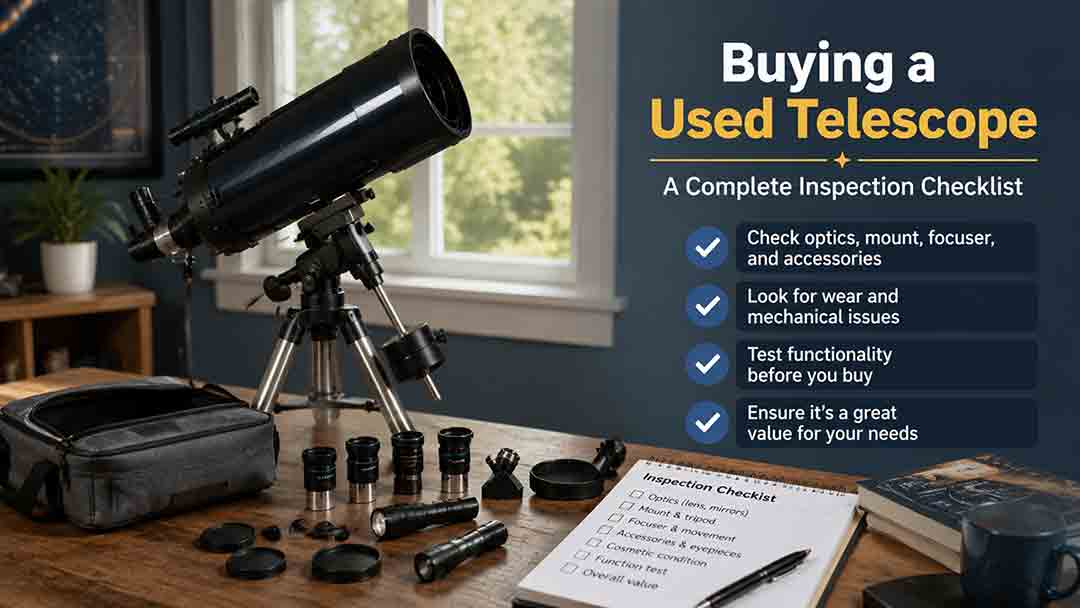
A used telescope can offer excellent value when the buyer verifies the exact model, ownership, optical condition, mechanical safety, electronic function, and complete accessory list before payment. This guide provides a structured inspection process for refractors, Newtonian and Dobsonian reflectors, Schmidt-Cassegrains, Maksutovs, manual and computerized mounts, eyepieces, filters, cameras, and smart telescopes. It distinguishes harmless dust and cosmetic wear from fungus, coating failure, bent hardware, water damage, unsupported electronics, and unsafe solar equipment. Readers also receive seller questions, daytime and nighttime test procedures, a repair-adjusted pricing formula, transaction-safety guidance, four practical scenarios, a buy-negotiate-walk-away framework, and a comprehensive printable checklist. The central recommendation is to price only verified function and preserve enough budget for missing parts, repairs, and uncertainty.
Refractor vs Reflector Telescope for Viewing Planets
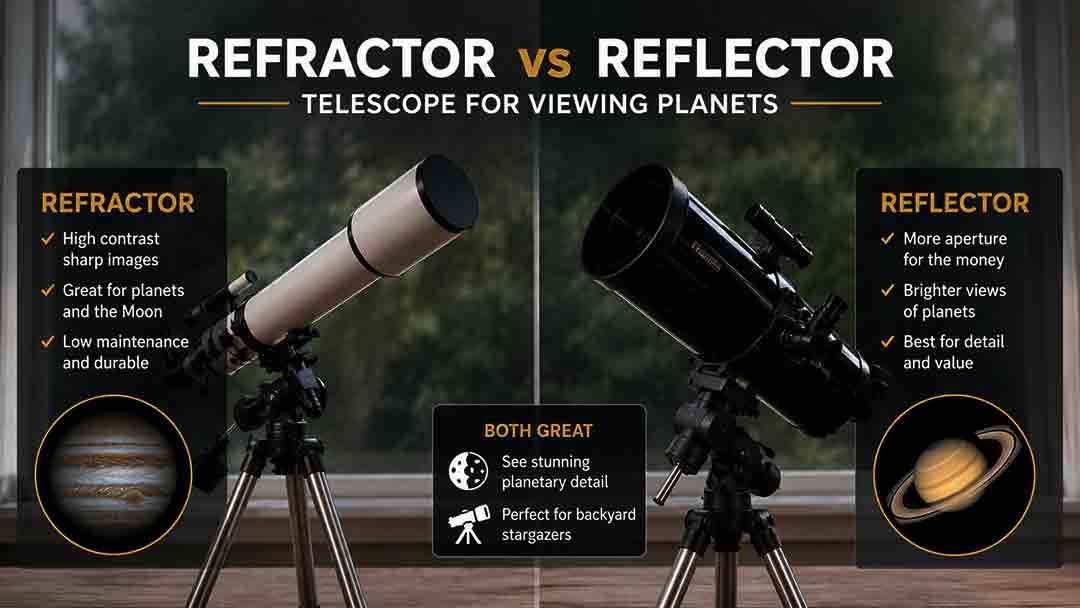
A refractor is usually the easier planetary telescope at the same aperture, while a Newtonian reflector usually provides more resolving power for the same budget by offering a larger mirror. This guide compares unobstructed contrast, chromatic aberration, central obstruction, collimation, thermal preparation, mount stability, tracking, magnification, and portability. It explains how each design performs on the Moon, Jupiter, Saturn, Mars, Venus, Uranus, and Neptune, and separates equal-aperture, equal-price, and equal-portability comparisons. A 100 mm versus 150 mm aperture calculation, size recommendations, real-world buyer scenarios, a six-step decision framework, troubleshooting guidance, and a complete buying checklist help readers select a telescope that will deliver useful planetary performance in their actual observing environment.
8-Inch vs 10-Inch Dobsonian: Is the Extra Aperture Worth It?
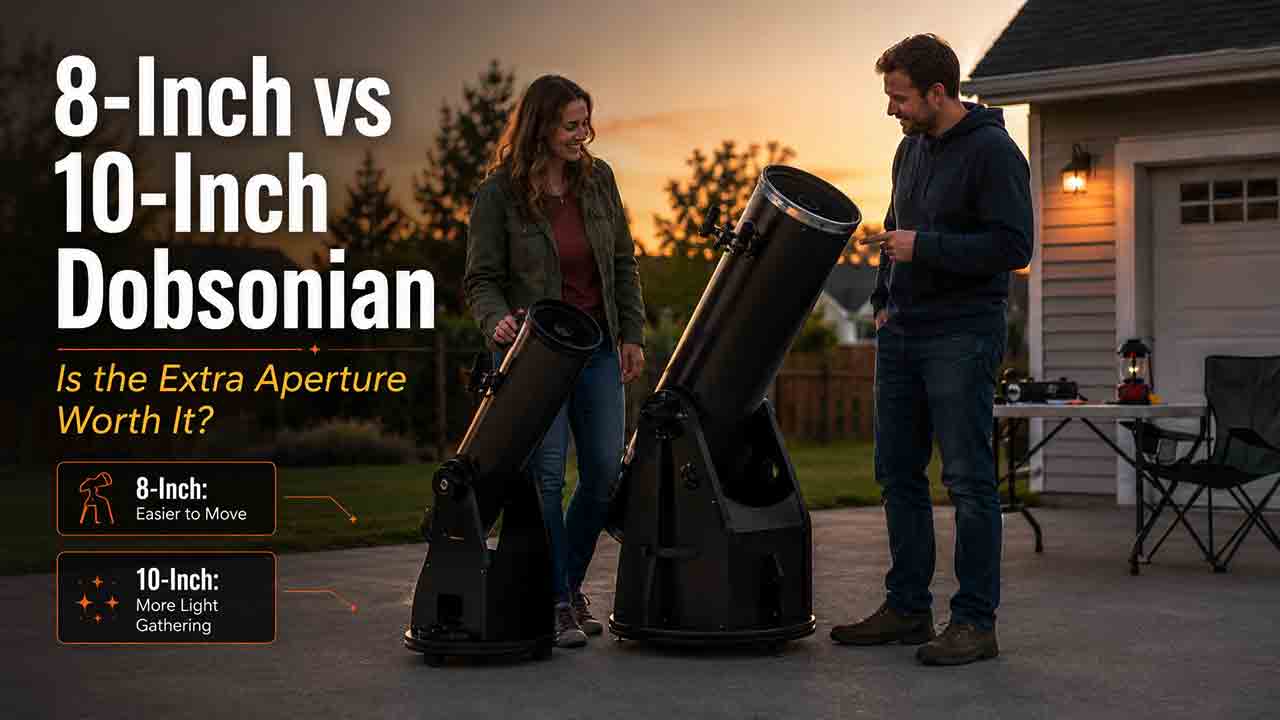
An 8-inch Dobsonian is the better default purchase for most first-time buyers, while a 10-inch is worth considering when deep-sky performance is the priority and the larger tube can be moved easily. This guide explains the 10-inch telescope’s approximately 56% greater nominal collecting area, higher theoretical resolution, and practical advantages on globular clusters, faint stars, galaxies, and nebulae. It also examines the less obvious tradeoffs: wider and heavier components, faster focal ratios, tighter collimation, more visible coma, larger exit pupils, thermal preparation, storage, vehicle fit, and total ownership cost. A same-series specification example, eyepiece calculations, real-world buyer scenarios, a transport fit test, troubleshooting guidance, and a detailed checklist help readers choose the telescope they are most likely to use regularly
Explore More Topics
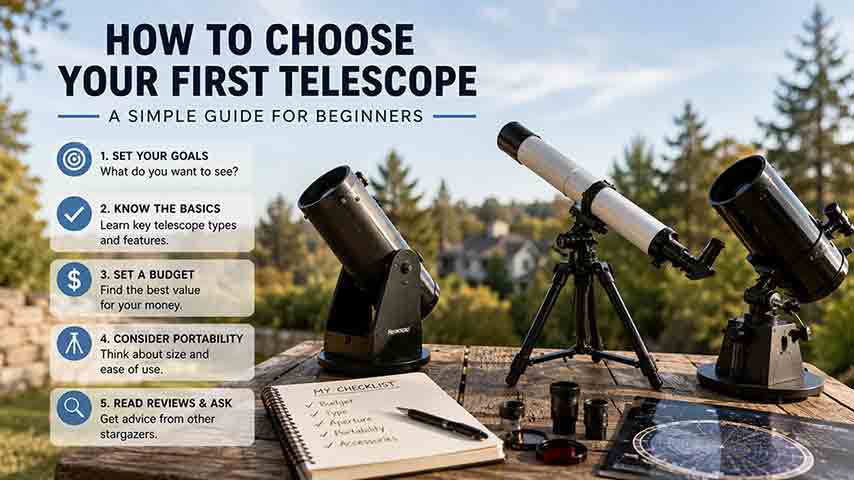
How to Choose Your First Telescope: A Beginner’s Buying Guide
Choosing a first telescope requires more than comparing aperture or advertised magnification. This practical beginner’s guide explains how to match a telescope to observing goals, light pollution, storage space, setup tolerance, and interest in visual observing or imaging. It compares refractors, Dobsonian reflectors, compound telescopes, and smart telescopes, then shows how aperture, focal length, focal ratio, magnification, and mount stability affect real use. Readers can use a quick-selection table, the original SPACE decision framework, a worked specification comparison, realistic household scenarios, new and used equipment checklists, and a troubleshooting chart. The guide also explains why a larger aperture cannot fully overcome bright urban skies, what to verify before buying a software-dependent smart telescope, and how to observe the Sun safely. Recommendations are based on authoritative guidance and published specifications rather than hands-on product testing or paid rankings
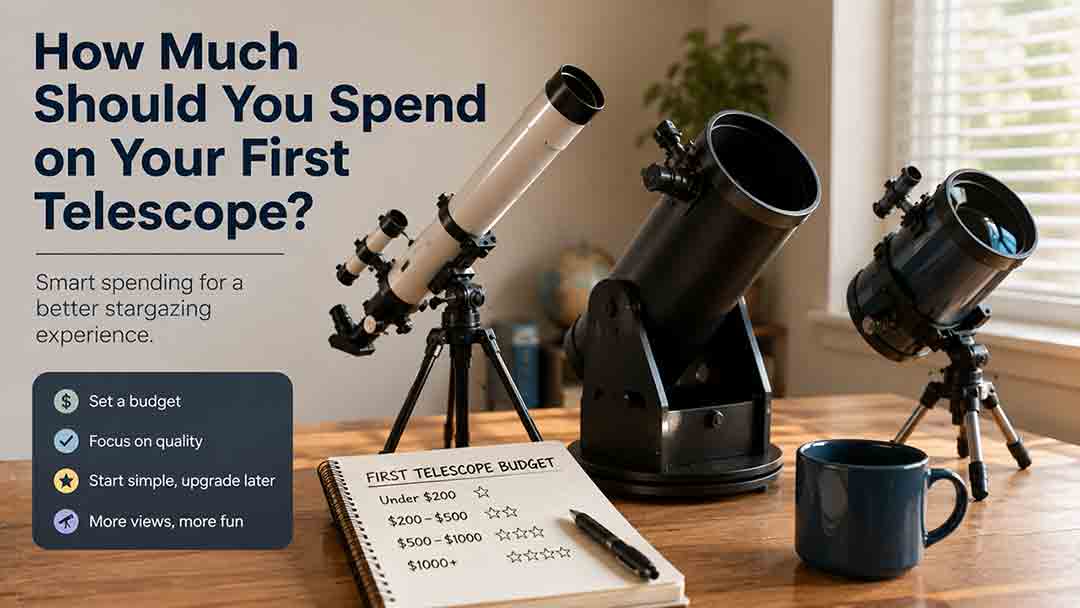
How Much Should You Spend on Your First Telescope?
Most beginners should plan a complete first-telescope budget of roughly $350–$700, although the right amount depends on observing goals, portability, automation, and whether the buyer wants direct eyepiece viewing or screen-based imaging. This guide explains what different budget ranges can realistically provide, why very low-cost telescope packages require caution, and when spending more for aperture, GoTo control, smart imaging, or compact optics is justified. It also separates visual astronomy from modular astrophotography, calculates total ownership cost, and shows how accessories, power, storage, shipping, and software can change the real price. The original FIRST Budget Test helps readers evaluate favorite targets, included equipment, real-world portability, desired skills, and total cost. Practical scenarios, a buying checklist, common mistakes, troubleshooting guidance, safety information, and current US market examples help beginners choose a stable, complete setup they are likely to use regularly.
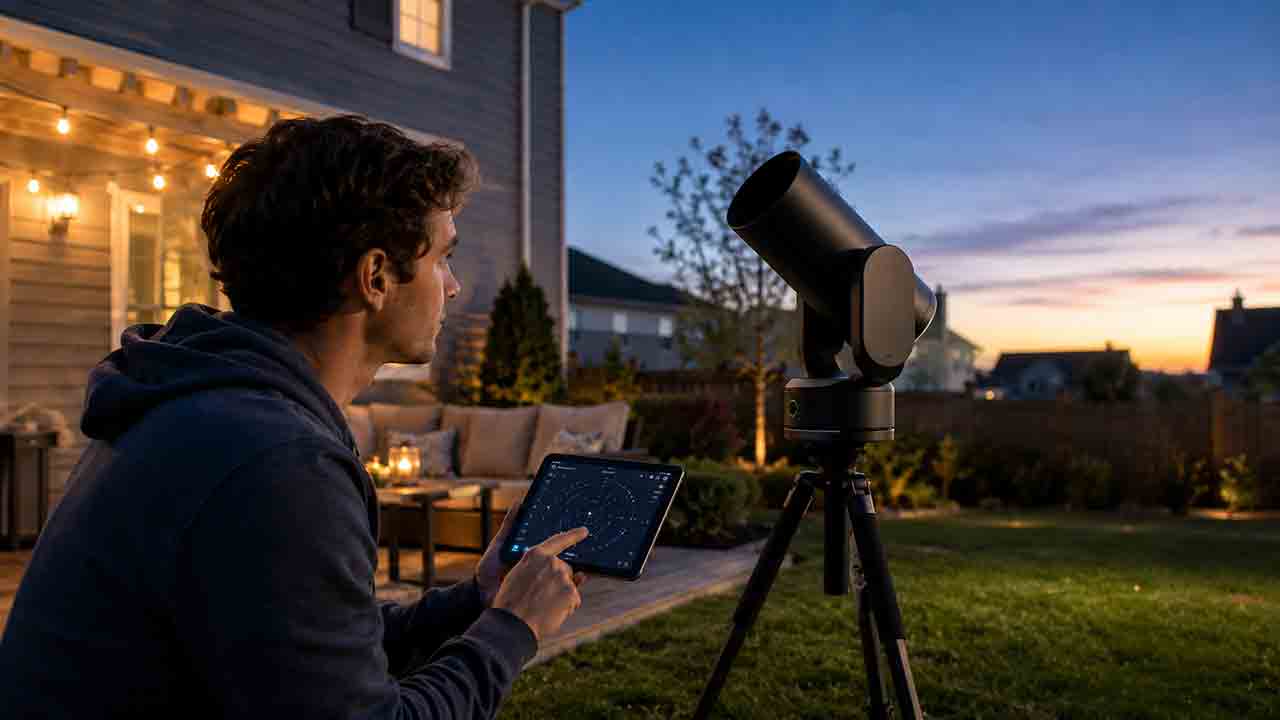
Are Smart Telescopes Worth It for Beginners?
Smart telescopes can be worthwhile for beginners who want automated target finding, live-stacked deep-sky images, and a compact system controlled from a phone or tablet. However, they are not a universal replacement for traditional telescopes. Beginners who value direct eyepiece views, high-magnification planetary observing, manual sky navigation, or component-by-component upgrades may prefer a refractor, reflector, or catadioptric telescope. This guide explains how smart telescopes combine optics, cameras, motorized tracking, and image processing; compares them with traditional and modular imaging setups; and examines costs, software dependence, batteries, light pollution, target suitability, and long-term flexibility. It also provides the original WORTH decision framework, a hypothetical cost-per-session example, real-world beginner scenarios, a purchase checklist, common mistakes, and troubleshooting steps. The goal is to help readers choose based on their actual observing style rather than marketing claims or specifications alone